Rhythmic Recollections
An interactive music-memory instrument — typed words become sound, then fade away
一件交互式音乐记忆装置——敲下的文字化作声音,又缓缓淡去
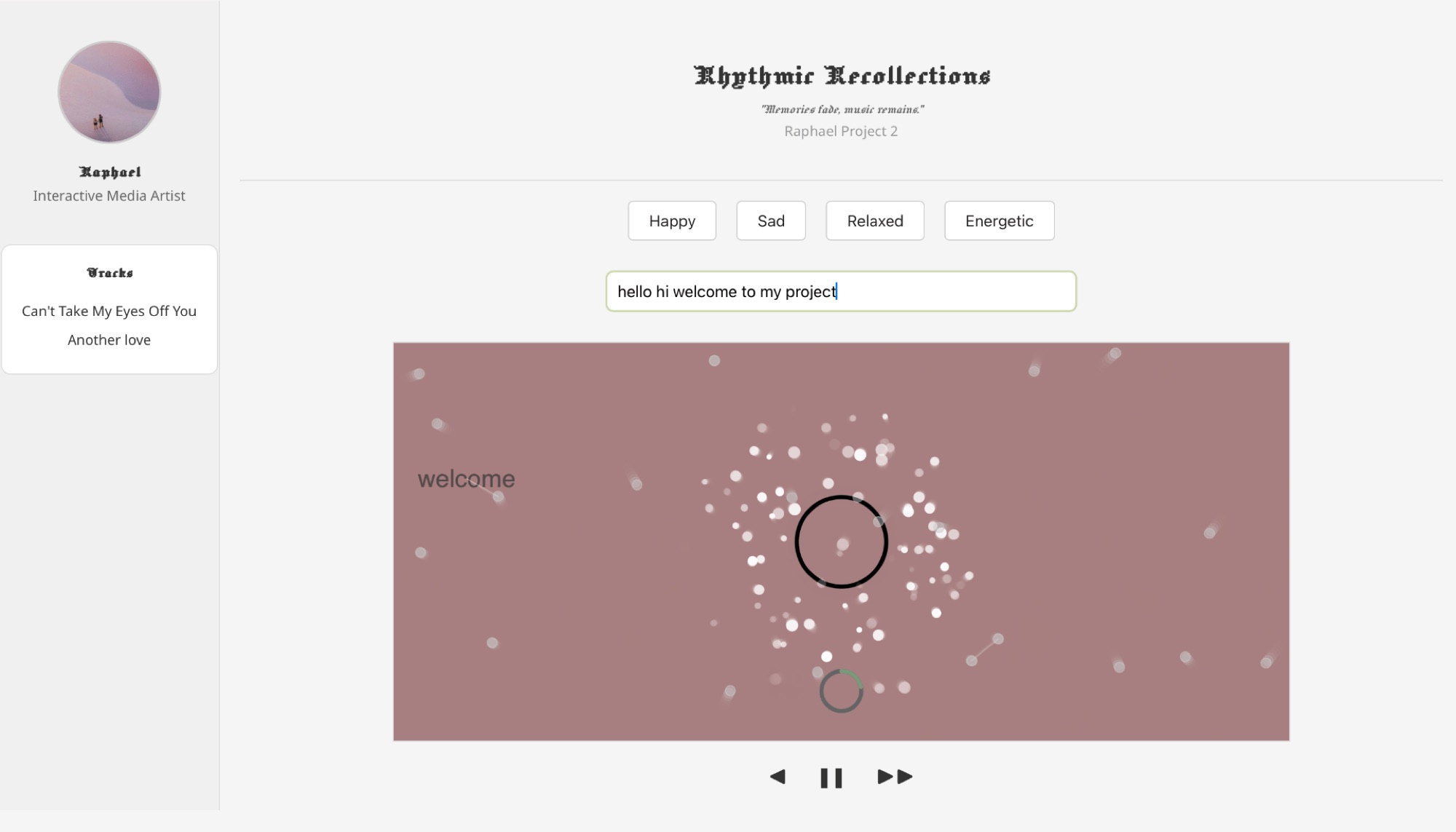
"Memories fade, music remains." Rhythmic Recollections is a small letter to the future — choose an emotion, type a memory, and watch the words drift apart while the music keeps playing.
"记忆会褪色,音乐却留存。"《律动回忆》是一封写给未来的小信—— 选择一种情绪,敲下一段记忆,看文字缓缓飘散,而音乐仍在继续。
Live Demo
Pick an emotion, then type a memory and press Enter — every letter carries its own sound.
选择一种情绪,输入一段记忆并按下回车——每个字母都有自己的声音。
Audio starts after your first interaction. Best experienced with headphones.
Overview
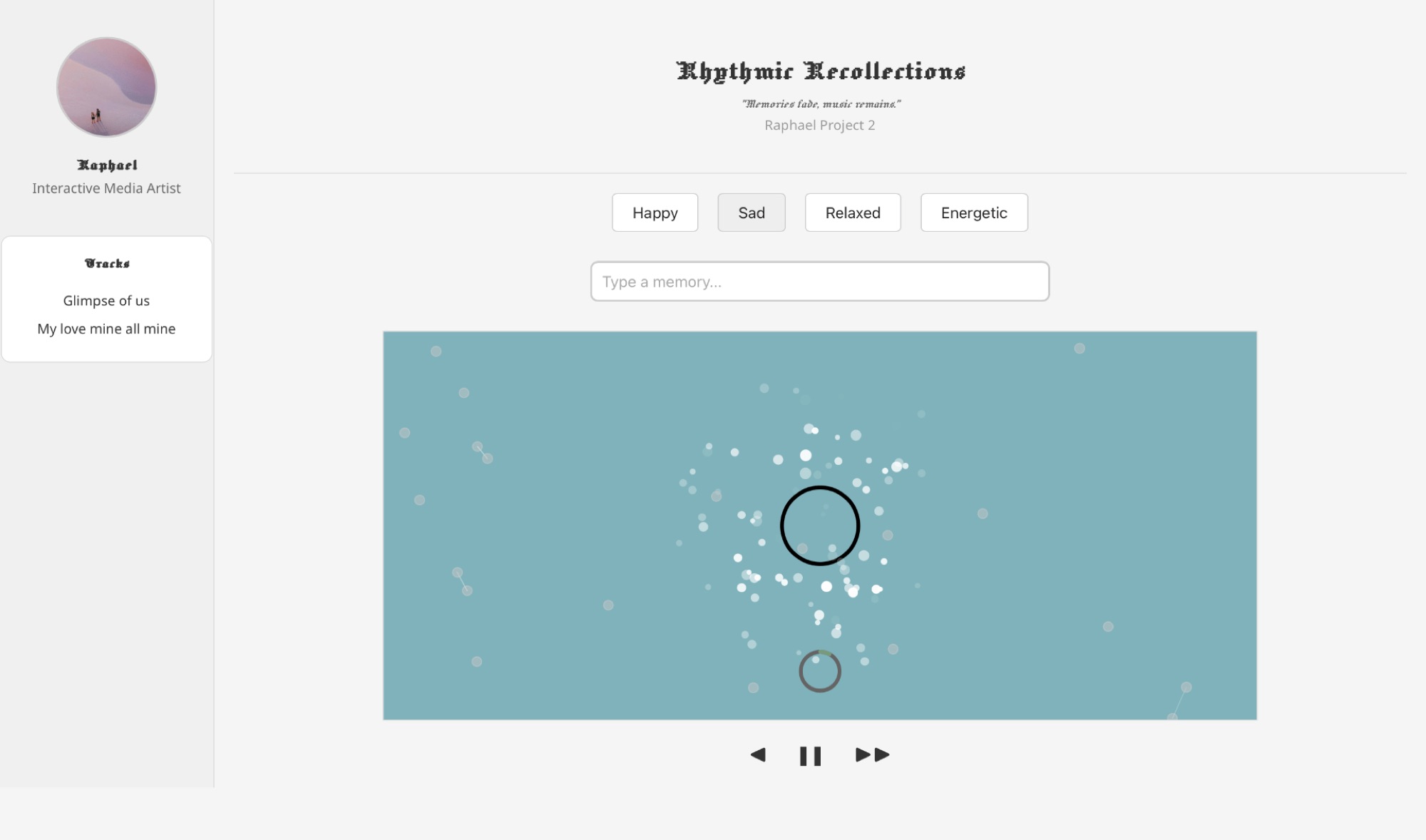
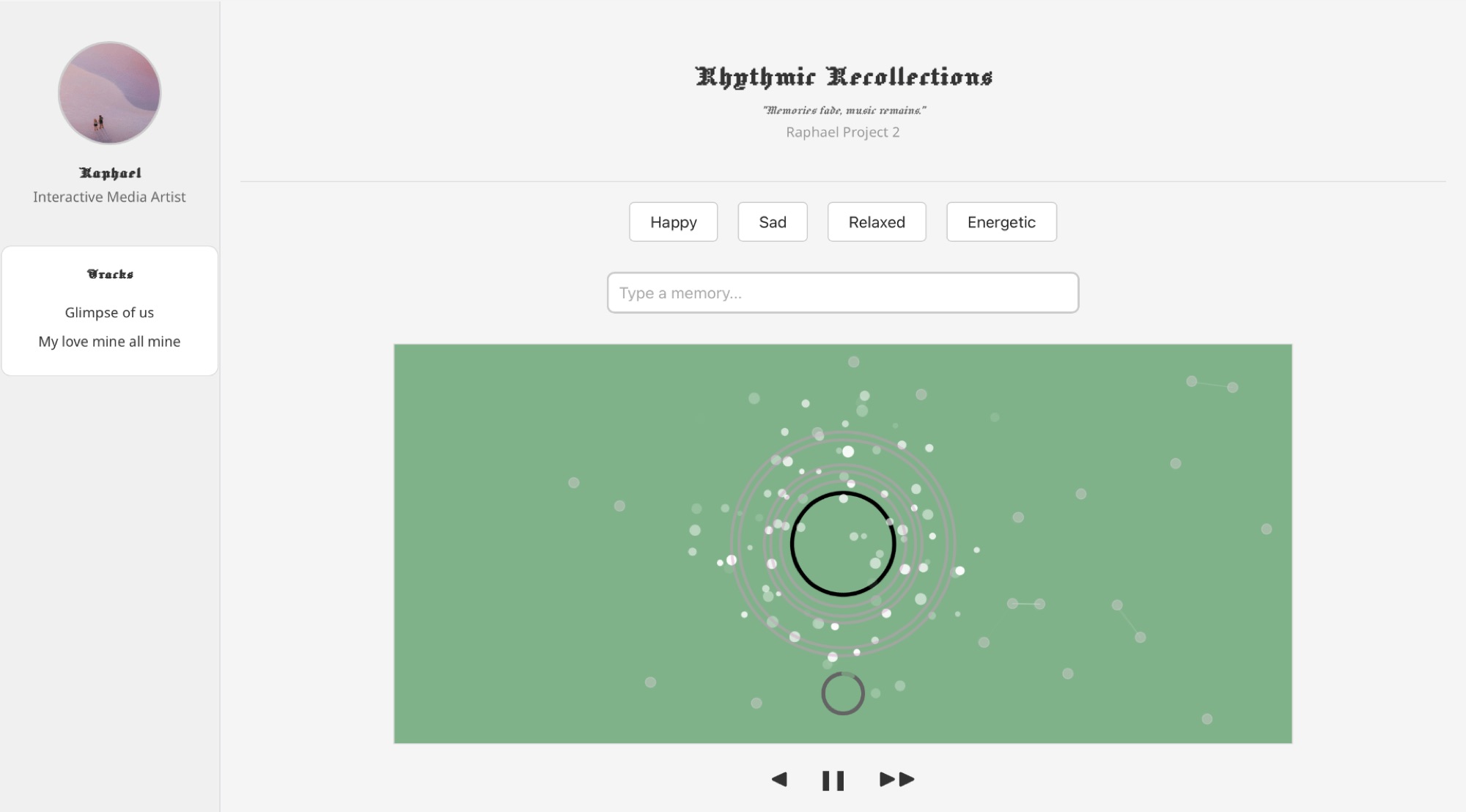
Rhythmic Recollections is an interactive music player and composer built with p5.js. Four emotions — Happy, Sad, Relaxed, and Energetic — each hold a small playlist and a color of their own; choosing one starts a looping track while the whole canvas slowly tints toward that mood.
On top of the music sits a typing instrument. Every letter entered into the input box triggers its own sample, special words like "hi" or "bye" speak with voices of their own, and pressing Enter turns the whole sentence into a looping sequence — while the words themselves surface as floating typography that grows, fades, and disappears, the way memories do.
Context & Inspiration
The piece grew out of the course theme "Dear Future" — the idea of sending an emotion forward in time. My first proposal was a generic sample-based composer, but it lacked anything of mine; so I began recording the music of moments that were actually happening in my life, and let the piece carry those instead.
Two references shaped its form. Dieter Rams's "less is more" set the visual register: a quiet, minimal page where color is the loudest element. And TypeDrummer suggested the central interaction — that typing itself, the most ordinary act on a computer, could be folded into the music as an instrument.
Technical Elements
Emotion Palettes
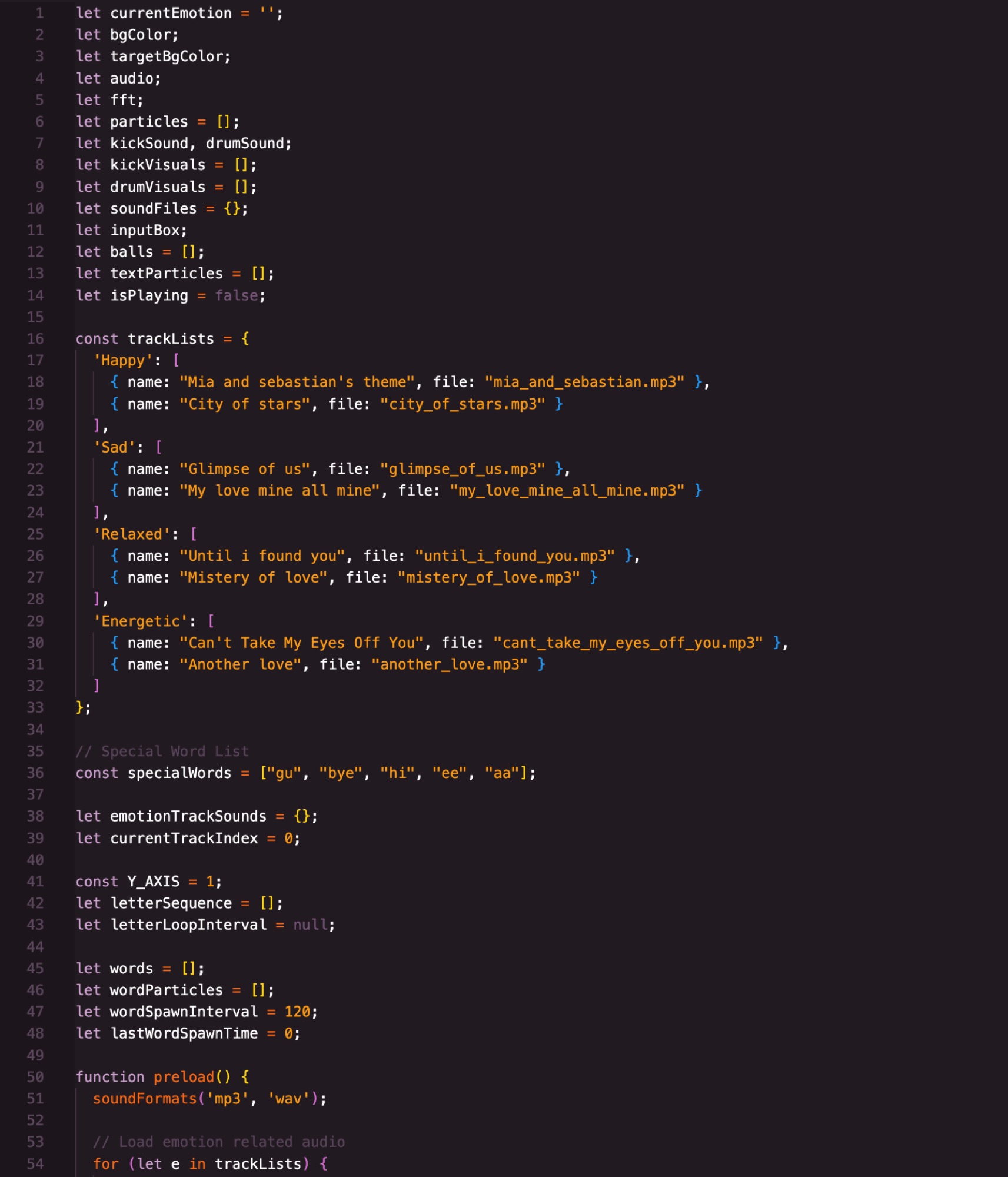
Each emotion maps to its own playlist and a target color. Selecting one loads a random track on loop, while the background eases toward the new color with lerpColor — every change of mood is a slow fade rather than a cut.
Typed Sound
A soundFiles map holds a sample for every letter a–z plus a lexicon of special words. Each keystroke plays once on input; pressing Enter compiles the sentence into a letterSequence that loops at regular intervals.
Audio-Reactive Particles
FFT analysis reads the playing track's high-frequency energy and spawns particles in proportion, each fading out over time — a visual pulse that tracks the music's intensity.
Words & Network
On Enter, the input splits into word particles — large typography that grows and fades. When a word drifts near one of the bouncing balls, a line connects them, weaving a loose, interconnected web.
Process
The earliest sketches looked like a DJ set — a rotating disk you could spin to bend the music. But animating the disk while using it as a controller proved awkward, and four emotion buttons alone felt too coarse to carry any real nuance. Letting the keyboard become the instrument resolved both problems at once, and the design grew more coherent from there.
The in-class testing day brought the hardest feedback: the page read as messy, several styles mixed together. I cut a long list of non-essential elements and unified what remained — a compromise between the depth of Rams's style I wanted to practice and the time I had. Sequencing the animations, deciding what appears first and what answers what, took as much thought as the code itself.
Reflections
What began as simple emotion-based music selection evolved into something denser: typed input, special words, audio-reactive particles, and dynamic typography. The concept lands where I hoped — typed words, standing in for memories, appear fleetingly and fade, while the music loops on. And there is one quiet trick: paste the same sentence into the site years from now, and you will hear the same piece again. Memories fade, music remains.
The smooth color transitions give a clear cue of each state change, and the instant sound on every keystroke keeps the experience responsive; the word particles' gradual fade-out is the detail I am proudest of. Less resolved is the narrative itself — the link between concept and mechanics stays aesthetic rather than explicit, and the special words trigger unique sounds without any visual hint that something special just happened.
Thanks to Professor Viola and the learning assistants for their guidance, to typedrummer.com for the spark, and to Moon, whose object-oriented example inspired the ball system.
Future Directions
Next, I want to bind the visual, textual, and audio layers more tightly to the idea of memory and emotion — linking the word particles' motion and the particle generation directly to the music's amplitude and frequencies, so the narrative is felt rather than implied. A larger library of piano pieces would give each emotion more room to breathe.
Built With
- p5.js
- p5.sound (FFT)
- Sample-based Letter Sounds
- lerpColor Transitions
- HTML/CSS (Flexbox)